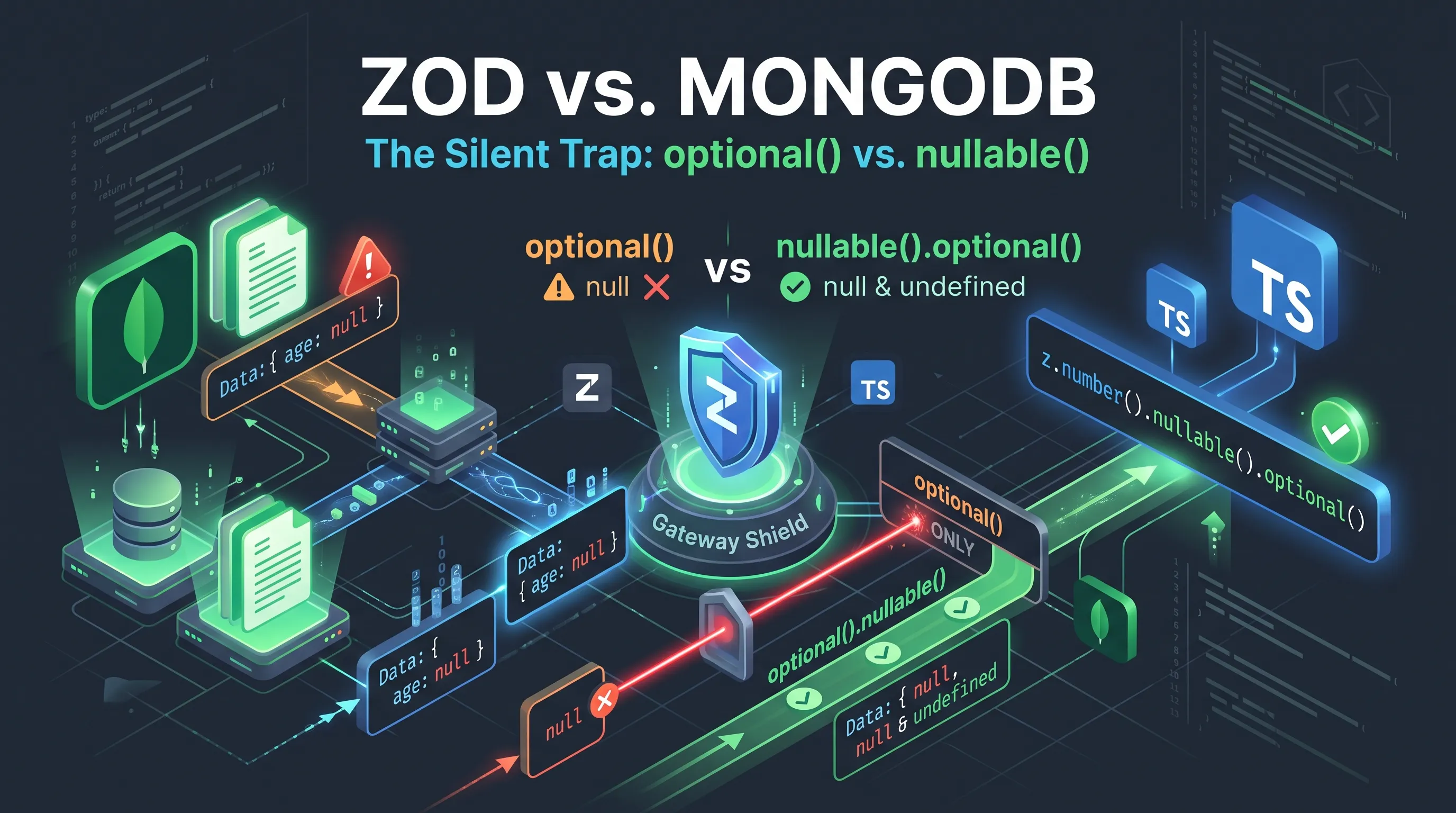
Data validation is a cornerstone of robust application development, especially when dealing with dynamic and often inconsistent data from external sources or databases. While tools like Zod provide an elegant way to define schemas and enforce data integrity in TypeScript, subtle semantic differences between a schema validator's optional() and a database's handling of undefined can lead to insidious bugs. This article delves into a common pitfall encountered when using Zod with MongoDB, specifically focusing on how optional() fields can silently reject what appears to be valid data.
The optional() Conundrum in Zod
Zod is a powerful TypeScript-first schema declaration and validation library. It allows developers to define a schema for any JavaScript value, parse data against it, and get type-safe results. One of its most frequently used methods is .optional(), which marks a schema as allowing undefined values for that field. For instance:
import { z } from 'zod';

const userSchema = z.object({
  name: z.string(),
  email: z.string().email(),
  age: z.number().optional(), // Age is optional
});

// Valid scenarios
userSchema.parse({ name: 'Alice', email: '[email protected]', age: 30 });
userSchema.parse({ name: 'Bob', email: '[email protected]' }); // age is undefined
This looks straightforward. If age is not provided, it's treated as undefined, and the schema validates successfully. The issue arises when we introduce null into the equation.
MongoDB's Perspective on Missing Data
MongoDB, a NoSQL document database, has its own conventions for handling missing or unset fields. When a field is not present in a document, or if it's explicitly set to undefined in a BSON document, MongoDB generally behaves as if the field does not exist. However, null is a distinct value in MongoDB, just as it is in JavaScript.
Consider a scenario where you're fetching data from MongoDB. If a field was never set, or was explicitly unset, it simply won't appear in the returned document. If a field was explicitly set to null, it will appear as null.
// Example MongoDB document (assuming `users` collection)
{
  _id: ObjectId('...'),
  name: 'Charlie',
  email: '[email protected]',
  age: null // Age was explicitly set to null
}

// Another document
{
  _id: ObjectId('...'),
  name: 'David',
  email: '[email protected]'
  // Age field is completely missing
}
When userSchema.parse() is called with data where an optional() field is null, Zod will, by default, reject it. This is because optional() only permits undefined or the field's base type, not null.

The Silent Rejection: optional() vs. nullable()
This subtle distinction between undefined (implied by optional()) and null (a distinct value) is where the problem lies. Many developers, coming from other languages or ORMs, might intuitively expect optional() to also cover null. However, in Zod, optional() and nullable() are distinct:
z.string().optional(): Acceptsstring | undefinedz.string().nullable(): Acceptsstring | nullz.string().optional().nullable()(orz.string().nullable().optional()): Acceptsstring | undefined | null
If your MongoDB documents can contain null for fields that you consider optional, simply using optional() in your Zod schema will lead to validation errors for otherwise valid data retrieved from the database.
// Data fetched from MongoDB where age was explicitly set to null
const mongoDoc = {
  name: 'Charlie',
  email: '[email protected]',
  age: null
};

try {
  userSchema.parse(mongoDoc); // This will throw a ZodError!
} catch (error) {
  console.error(error.message); // Expecting 'Expected number, received null'
}
This ZodError can be particularly frustrating because, from a database perspective, null is a perfectly valid way to represent an absent or unknown value. Your application might be silently failing to process data, or worse, rejecting user input that, if transformed to undefined before validation, would pass.
The Solution: Embracing nullable()
The straightforward solution is to explicitly account for null values in your Zod schemas by chaining nullable() where appropriate. If a field can be either missing (undefined) or explicitly set to null, you should use both optional() and nullable():
import { z } from 'zod';

const robustUserSchema = z.object({
  name: z.string(),
  email: z.string().email(),
  age: z.number().nullable().optional(), // Now accepts number | null | undefined
});

// Valid scenarios now include null
robustUserSchema.parse({ name: 'Alice', email: '[email protected]', age: 30 });
robustUserSchema.parse({ name: 'Bob', email: '[email protected]' });
robustUserSchema.parse({ name: 'Charlie', email: '[email protected]', age: null }); // Now passes!
This small change drastically improves the robustness of your data validation layer, ensuring that data fetched from MongoDB (or any other source that distinguishes between null and the absence of a field) can be correctly parsed without unexpected errors.
Best Practices for Full-Stack Validation
- Be Explicit: Always be explicit about whether a field can be
null,undefined, or both. Don't assumeoptional()coversnull. - Schema Alignment: Ensure your Zod schemas align with your Mongoose schemas (if using Mongoose) or your direct MongoDB document structure. If Mongoose allows a field to be
nullandoptional(e.g.,age: { type: Number, required: false, default: null }), your Zod schema should reflectnullable().optional(). - Input Transformation: For APIs, consider an input transformation layer that converts
nulltoundefinedfor fields that are trulyoptional()and should not storenullin the database. Conversely, if your database expectsnull, ensure your frontend sendsnulland your Zod schema allows it. - Documentation: Document your schema decisions, especially regarding
optional()andnullable(), to prevent future confusion among team members.
A Note on Mongoose and Zod Integration
When using Mongoose for your MongoDB interactions, you might define schemas like this:
import mongoose from 'mongoose';

const userMongooseSchema = new mongoose.Schema({
  name: { type: String, required: true },
  email: { type: String, required: true, unique: true },
  age: { type: Number, required: false } // Mongoose handles 'required: false' as optional, allowing undefined or null
});
Mongoose's required: false for a field effectively means it can be omitted or explicitly set to null. Therefore, when mapping Mongoose schemas to Zod for request validation or data transformation, it's crucial to use nullable().optional() for such fields in Zod to maintain consistency.
This careful alignment between your database schema definitions and your Zod validation schemas is vital for preventing data inconsistencies and runtime errors in your full-stack applications built with Next.js, Node.js, and MongoDB.
Conclusion
The seemingly innocuous difference between Zod's optional() and the inclusion of null in data fetched from MongoDB can be a silent bug waiting to happen. By understanding that optional() primarily handles undefined and that null requires an explicit nullable() chain, developers can build more robust and resilient data validation layers. This attention to detail ensures that your TypeScript applications, powered by Zod and interacting with MongoDB, gracefully handle all valid states of your data, preventing unexpected rejections and improving overall system reliability. Adopting nullable().optional() for fields that can truly be absent or explicitly null is a small but critical step towards bulletproof full-stack data integrity.